
If this is your first rodeo, the app development process can feel overwhelming. Between strategy, design, coding, testing, and deployments, there are tens, if not hundreds, of thousands of tasks, dependencies, and decisions to make! Without a simple, smart, and scalable structure in place, it’s easy to feel lost. But here’s the good news: You don’t have to feel that way.
At Uplancer, we simplify the app development process into clear, manageable phases that always keep your project moving forward:
Let’s get familiarized with each phase below.
Phase 1: App Discovery – Laying the Foundation for Successful App Development
Discovery is, without question, the most critical step in the app development process. It helps us align with your strategies and goals, uncover user needs, and identify potential roadblocks before a single line of code is written.
During this phase, we get to know your business deeply:
- What’s the goal of your app?
- Who are your end users?
- How do you plan on monetizing it?
- Are there any technical preferences, such as specific frameworks or platforms?
- What’s your timeline and budget?
- What KPIs do you want to track?
- Are investors involved?
If you’re local (hello, Columbus!), we love hosting in-person whiteboarding sessions. These sessions allow us to map out user journeys, brainstorm features, and get everyone on the same page. We’ve also done virtual sticky notes and collaborative tools, which work just as well.
The outcome of the discovery?
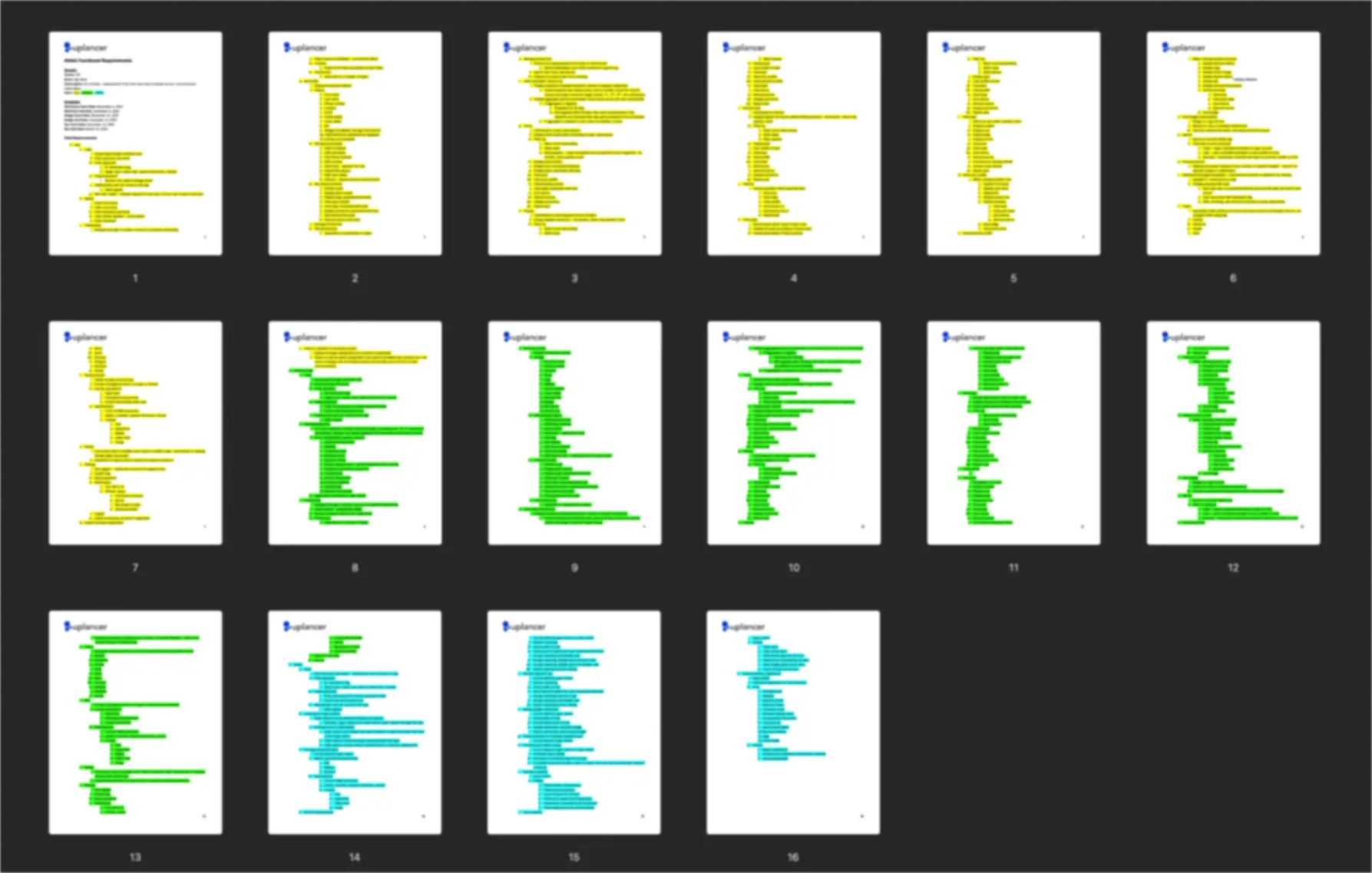
A detailed Functional Requirements Document (FRD). This document acts as the north star for your app design and development process. It outlines features, workflows, and technical expectations, ensuring that there are no surprises down the road.
With your approval, we move on to the exciting part: app design.
Phase 2: App Design – Crafting the Blueprint of Your App
App design is where your idea comes to life. In this phase, it’s not just about making things look pretty; it’s about creating an intuitive, engaging user experience (UX) backed by smart design choices. During this phase, we use Figma and Adobe XD extensively to design every part of your app.
Here’s what our design phase in the app development process includes:
1. App Branding Package
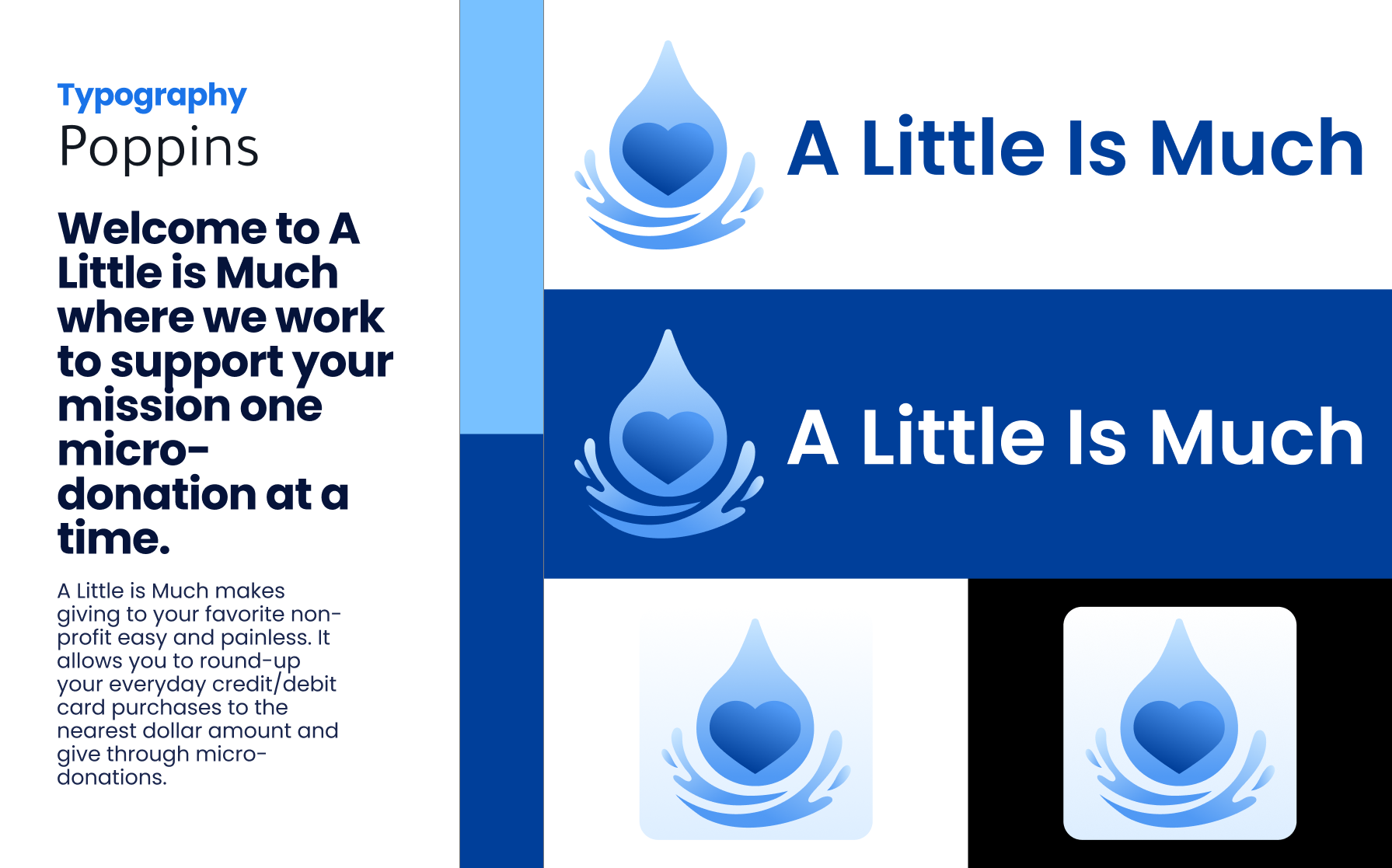
Your app needs its own identity. While you may have existing branding for your website or marketing materials, app branding often requires a fresh approach. Mobile apps, in particular, require icons, color palettes, and typography that are optimized for smaller screens and touch interactions.
For example, if your current logo isn’t app-friendly (we’ll let you know why), we’ll design an app-specific logo that’s still your brand but looks great in app stores and on different devices.
2. Wireframing
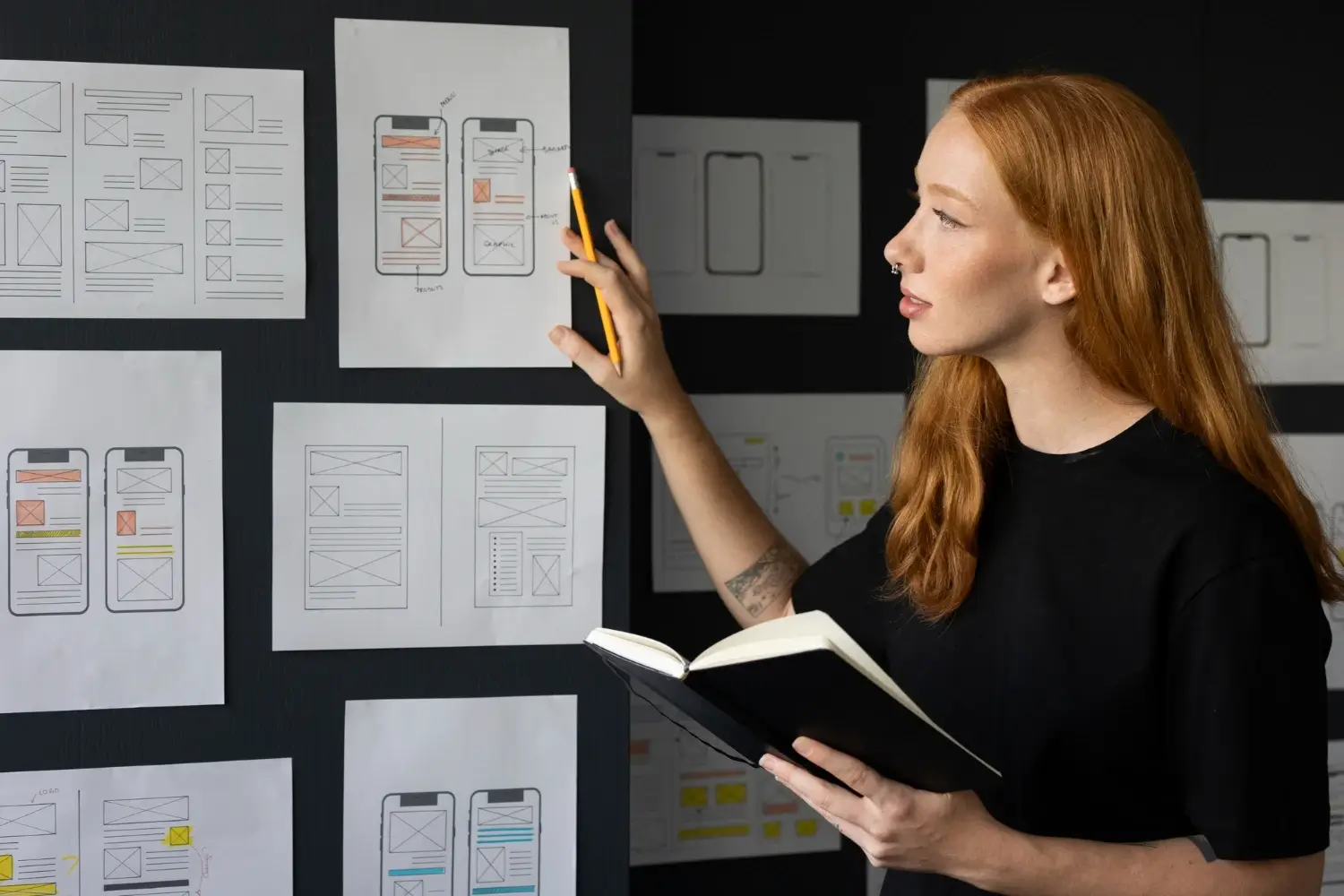
Wireframes are the skeletons of your app. Think of them as the architectural plans that precede construction. Wireframes outline each screen’s layout and show how users will flow from one screen to the next.
When wireframing, we identify essential components like:
- Navigation menus
- Button placements
- Screen transitions
- Content hierarchy
Wireframing ensures our app development team fully understands the app’s functional flow before moving into the detailed designs. It also gives us a chance to align around any objections and misunderstandings. Remember, design can be very subjective, so it’s better to resolve issues early on than let them escalate into countless hours of work.
3. UI/UX Design
With the wireframes approved, we move into full-fledged UI/UX design. Here, your app’s visual identity comes to life. We focus on creating seamless interactions that feel natural and engaging for your users.
Additionally, we use agile design cycles, sharing batches of screens frequently for your feedback. This collaborative approach ensures we’re aligned with your vision early on and prevents costly deviations and revisions later.
4. Prototyping
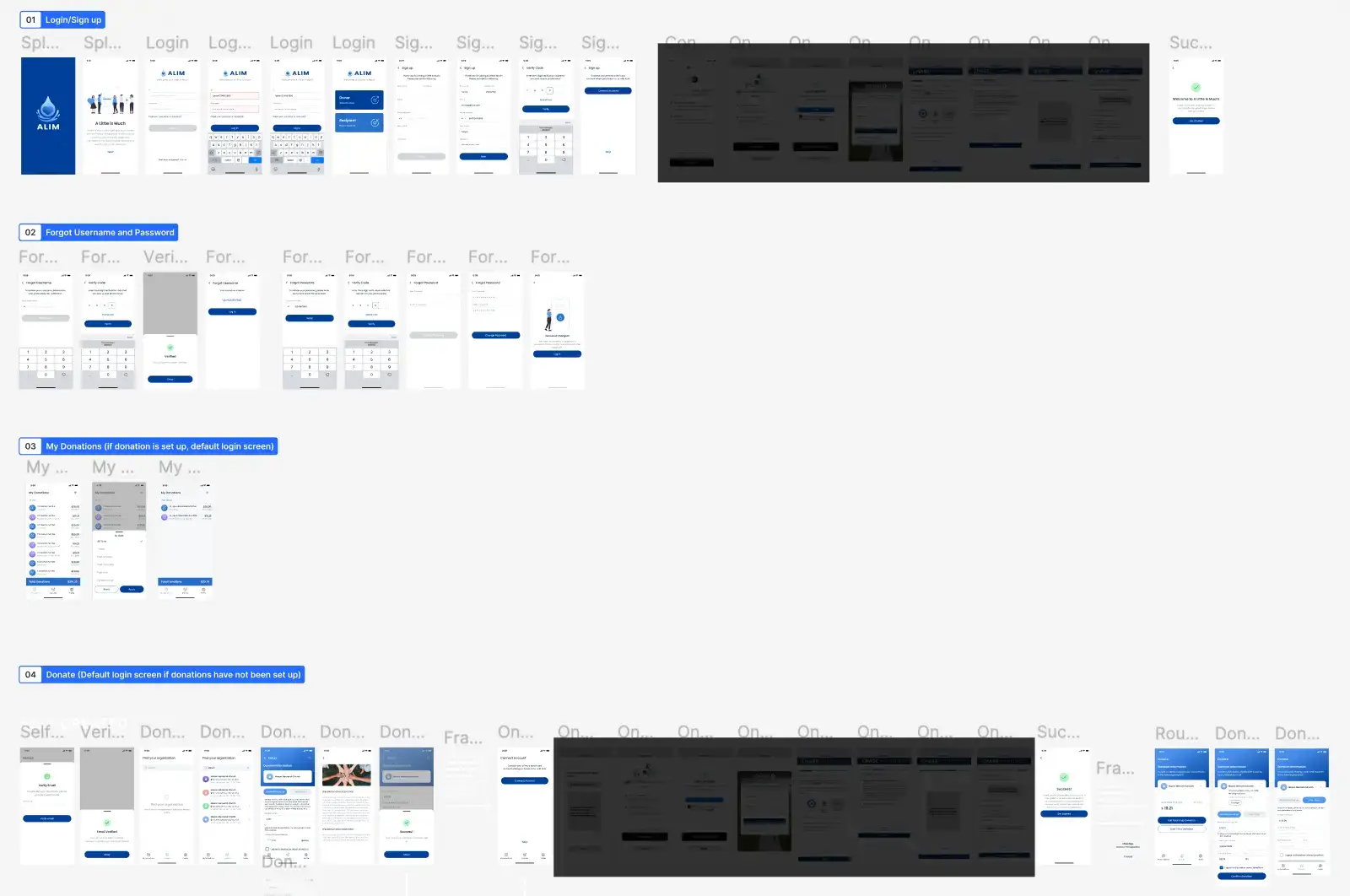
Before app development, we’ll create an interactive prototype using Figma (our go-to design tool). Prototypes simulate how the final app will behave, giving you a tangible way to experience the flow and interactions.
Prototypes are invaluable because:
- You get a demo that you can share with key stakeholders or investors.
- You can identify UX issues early, before they become coding headaches.
- Everyone gains clarity on what’s being built.
Once you give the green light on the final design, we’ll kick off the app development in Phase 3.
Phase 3: App Development – Turning Designs into a Working App
Now, the heavy lifting begins. The app development phase is where our engineers translate the designs and requirements into your application.
Before we dive into coding, we confirm the tech stack and programming language for your app. Not all stacks are suitable for an app’s design or feature set. For example, a beautifully complex UI might require a more native experience with a robust backend or specialized frameworks. If changes are needed, we’ll discuss scope adjustments transparently to avoid surprises.
In a similar fashion to the UI/UX design, we take an agile approach to development. App development happens in sprints, which are focused work cycles that deliver features incrementally. After each sprint, we provide a staging environment for you to review and test.
What’s a staging environment?
It’s a safe space (usually accessible via a URL or alpha/beta app) where dev teams release the latest features for your app, allowing you to test without affecting the production/live environment. This iterative feedback loop prevents misalignment, reduces rework, and ensures you see tangible progress.
By the end of development, you’ll have a fully functional app in staging, ready for final testing and, ultimately, launch!
Phase 4: Launch – Releasing Your App to the World
Here’s where things get exciting in the app development process! With your app built and tested in staging, it’s time to share it with your users.
Depending on your audience, we’ll package your app for the appropriate platforms:
- iOS: Submitted to the App Store for Apple users.
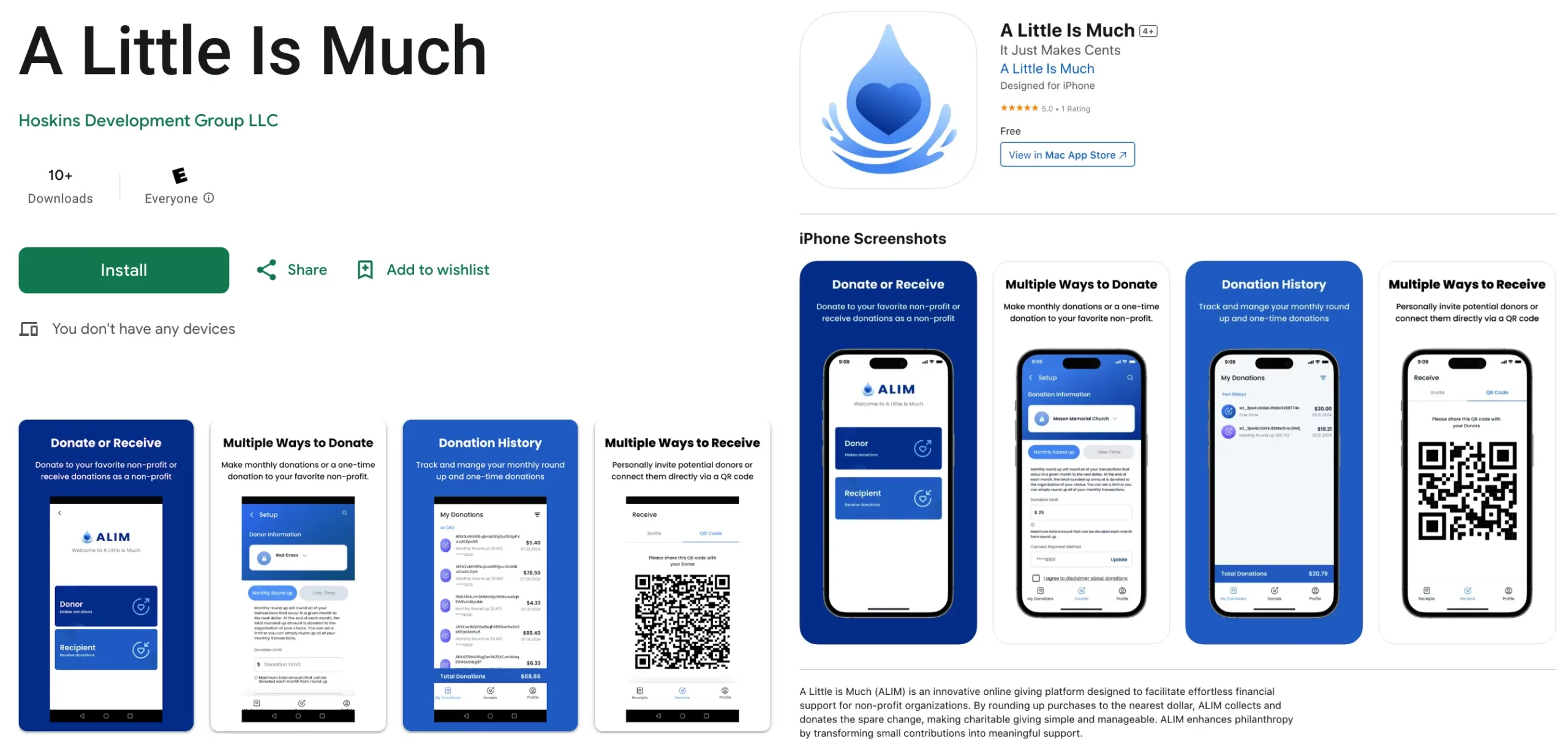
- Android: Packaged and submitted to the Google Play Store.
- Web Apps: Deployed across the top 3 most popular browsers on PC and Mac.
But launching isn’t just about submitting to app stores. We meticulously test the production version to ensure it mirrors the staging environment and works!
Why?
Production environments can introduce unforeseen issues. Our promise is simple: if it worked in staging, it must work in production. We’ll make sure of that.
Once launched, your journey doesn’t stop because you still have to maintain your app.
Phase 5: Maintenance & Beyond – Keeping Your App Running Smoothly
After launch, the app development process concludes with app maintenance. Too many businesses neglect this step and are shocked when their app stops working or underperforms because of a third-party update.
That means staying on top of:
- Cloud and library updates: Keeping your backend and frameworks compatible with your cloud providers.
- Device and OS patches: Ensuring compatibility with unforeseen new iOS, Android, and browser updates.
- Enhancements and change requests: Evolving the app based on user feedback and in-app analytics.
- Bug fixes: Squashing errors before they impact user trust.
- Support tickets: Promptly addressing user-reported issues.
Ongoing app maintenance is essential for long-term success. You’ll want to track performance metrics like churn rate, retention, and user engagement to understand how well your app is meeting expectations.
Final Thoughts: Get Acquainted with the App Development Process
Our common sense approach to building apps is simple and is broken down into five phases:
By understanding this app development process, you’ll avoid common pitfalls, keep your project on track, and build an app that your users will love.
Contact us today to start building your app or to discuss one of our amazing case studies, which includes marketplaces, donation SaaS platforms, sales enablement apps, and other applications.